
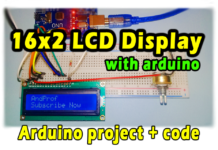





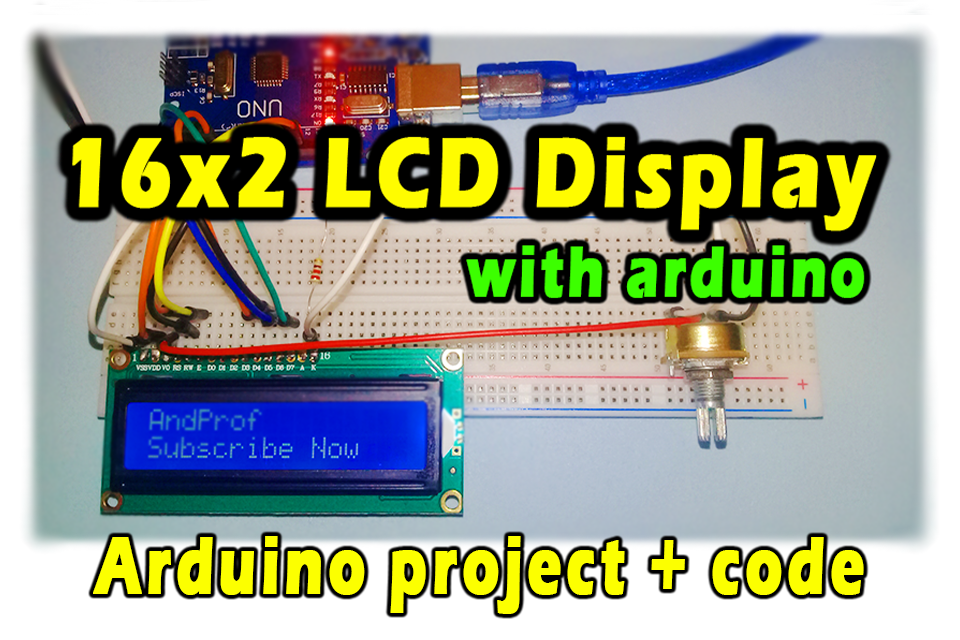
The 16×2 LCD display is an electronic device that is used to display messages and data such as measurements, words, symbols, and more. In this post, we’ll discover how to use 16×2 lcd display with arduino.
* LCD : (Liquid Crystal Displays)
Electronic components that we need:
- Arduino UNO
- Breadboard
- lcd display 16×2
- variable resistor 5k Ohm
- resistor 220 Ohm
- Electrical wires
Circuit diagram:
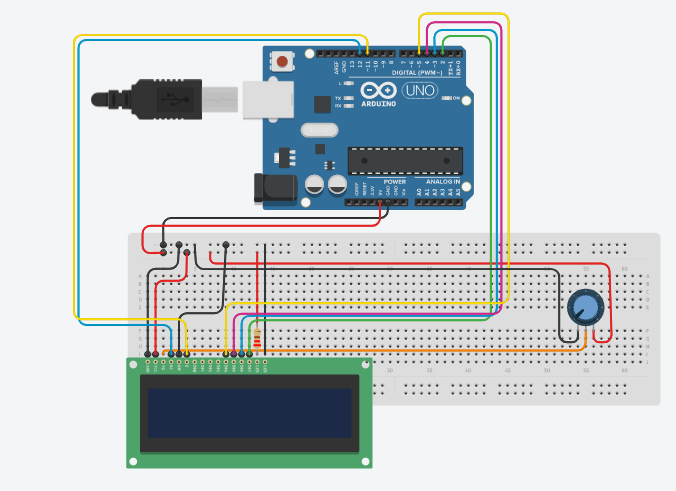
Programming Code:
// include the library code:
#include <LiquidCrystal.h>

// initialize the library by associating any needed LCD interface pin
// with the arduino pin number it is connected to
const int rs = 12, en = 11, d4 = 5, d5 = 4, d6 = 3, d7 = 2;
LiquidCrystal lcd(rs, en, d4, d5, d6, d7);
// by www.andprof.com
void setup() {
  // set up the LCD's number of columns and rows:
  lcd.begin(16, 2);
  // Print a message to the LCD.
  lcd.print("Hello, World!");
}

void loop() {
  // set the cursor to column 0, line 1
  // (note: line 1 is the second row, since counting begins with 0):
  lcd.setCursor(0, 1);
 // Print a message to the LCD.
  lcd.print("www.AndProf.com");

}
Explanatory video: